
 Are you ready to conquer the magical world of Arduino? This section offers practical guides and lessons written by members of STETH that guide you through your first steps and provide the foundations to move on to more complex constructions. Starting from fundamental concepts and the control of basic elements (such as LEDs and buttons), you will gradually progress to managing digital and analog signals. As your familiarity with hardware grows, your programming skills will evolve alongside it—culminating in practical applications with specialized sensors, automation, and data management!
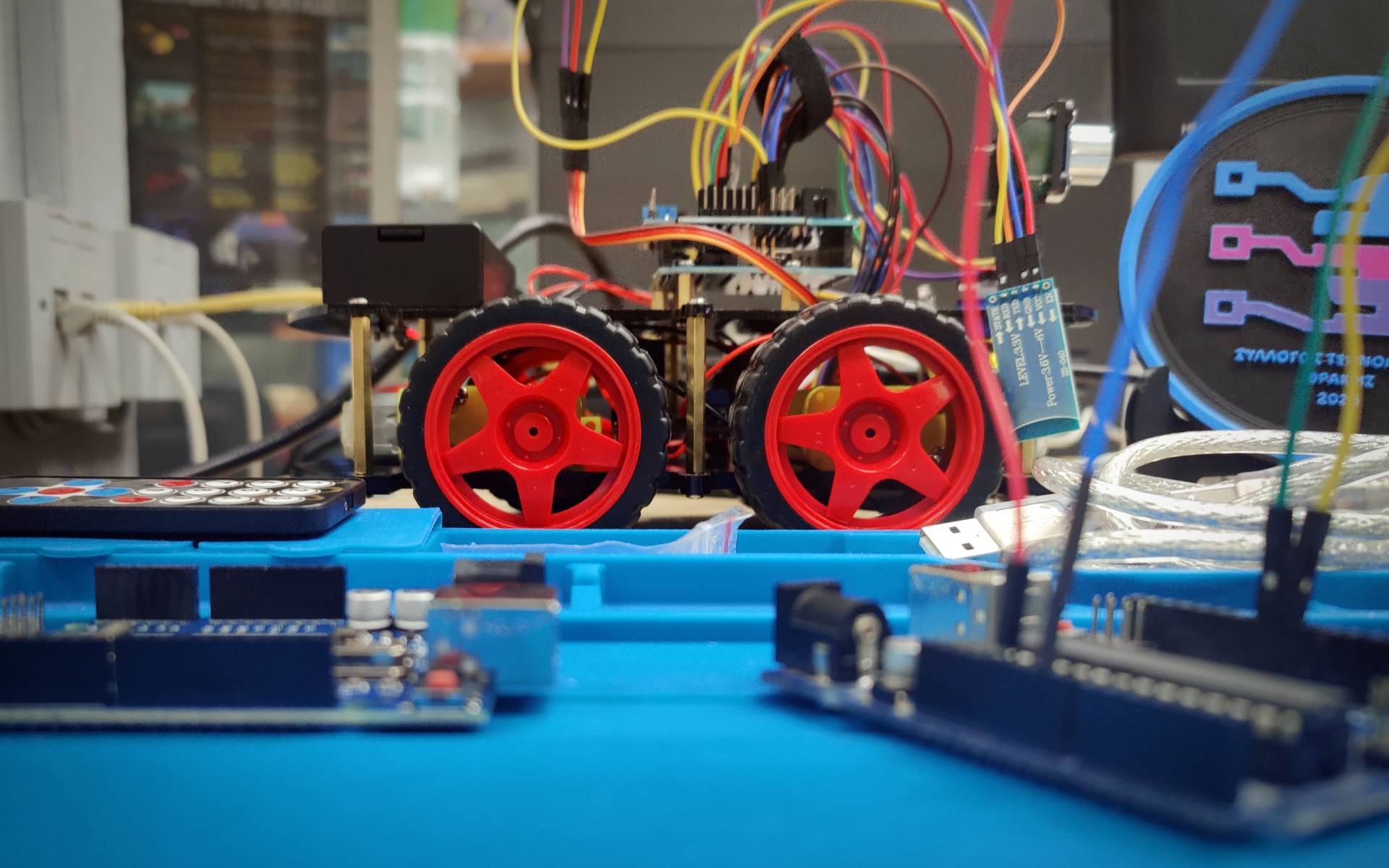
Before you start: The Basics
Before we move on to the practical part and circuit implementation, it is essential to acquire some general knowledge that will make learning easier. Arduino is a programmable microcontroller (MCU), while the UNO R3 version we use is the most popular Development Board worldwide, ideal for easily assembling circuits.
We recommend studying the following articles to start:
General Knowledge
- What is Arduino? – An introduction to the platform’s capabilities.
- Programming Basics – How we program the Arduino.
- Data Types – Data types
- Branching Structures (if, switch) – if, switch
- Iteration Loops in C++ – Iteration loops in C++
- Basic Concepts of Electricity and Electronics – Good to know
Lessons/Guides
Follow the sequence of lessons to build your knowledge step-by-step:
Tip: If you do not have the illustrated hardware available (e.g., via an Arduino Starter Kit), you can try making connections online in a simulator like Wokwi; you can also always register with the Association if you want to gain access to the Maker Lab located at our premises.
- How to blink your first LED
- The LED and the Push Button
- Analog to Digital Conversion (ADC)
- Light detector with photoresistor
- LED brightness control with a potentiometer (PWM)
- DS18B20 Digital Temperature Sensor (One-wire)
- Guide for the BME280 sensor with Arduino (Atmospheric pressure, Temperature, Humidity)
- Connecting an LCD screen to Arduino
- Guide for connecting an SD card module to Arduino (SPI)
- Arduino EEPROM memory – Remembering the last LED state
Each guide has been created with a focus on practical application. We don’t just stick to theory; we move immediately to wiring and writing code so that you can see the immediate results of your efforts.
Good luck on your journey into the world of microcontrollers!